
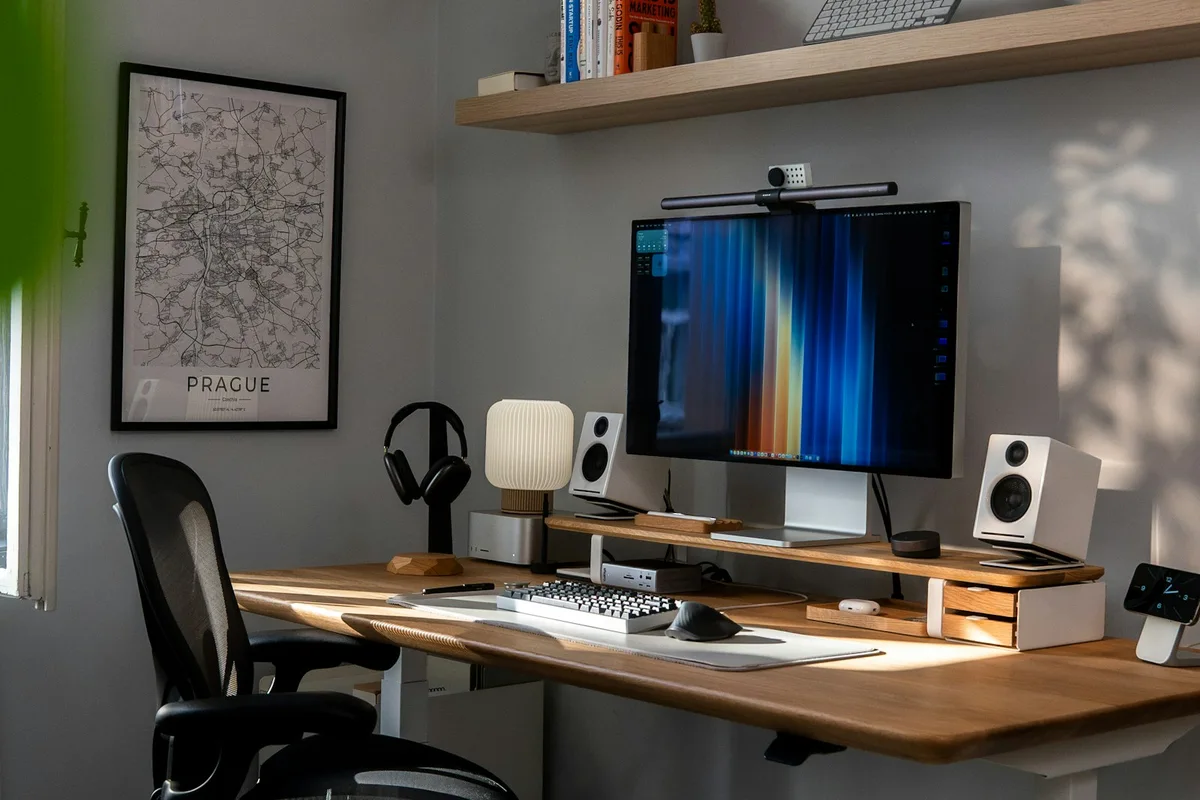
Write down the real work setup
List the equipment you need open at the same time: screens, laptop, keyboard, documents, microphone or other tools. Measure the arrangement you currently use and identify what you would be willing to change. A laptop-sized shelf is not automatically a complete workstation for someone who spends the day editing, designing or making calls.
Give calls a place in the plan
Think about where another household member will be while you are speaking. Try a simultaneous routine such as a call and meal preparation. Decide whether you need a separate room, a reliable alternate location or an agreement about shared-space use. A pair of headphones may help you hear, but it does not create a private room.
Test a convertible desk before relying on it
If a dining table or folding surface doubles as a desk, rehearse packing everything away. Identify where each item goes and how often you would need to repeat the process. Include charging cables, peripherals and anything you need within reach. Multipurpose furniture works best when the changeover fits your actual work habits.
Check the location as well as the house
Investigate internet options at the intended address and ask what service can actually be provided there. Think through where you would work during an outage. Visit possible alternate workspaces if you expect to use them, and include their travel and cost in your planning. Do not assume a connection available in the nearest town serves a particular parcel.
Let the workday end
Create a place for equipment when you are off duty, even if that is a clearly defined part of a cupboard. Think about what remains visible from the sofa or bed. If the workstation must stay open, design the living arrangement around that reality. The goal is a setup you can maintain on a busy day, not only when the room is perfectly staged.
Use a two-person test
Have everyone who uses the home work through their own routine at the same time. Record where one activity interrupts another. Bring those observations to the next layout discussion and compare changes before committing to the furniture or plan.
Test a complete workday
Choose a realistic day with calls, concentrated work, meals and another household member at home. Use the exact screens and chair arrangement. Record interruptions, changeover time, cable handling and what stays visible from the living or sleeping space. Include the service you would use if the connection failed.
| Requirement | Evidence | Decision |
|---|---|---|
| Internet | Confirmed service for the address and a tested fallback | Connection and backup plan |
| Calls | A two-person simulation | Private area or agreed alternate location |
| Equipment | Measured operational footprint | Desk, storage and power arrangement |
| End of work | A complete pack-away trial | Dedicated home for equipment |
Add alternate workspace fees and travel to the monthly budget. Work needs can justify more floor area or a different location; the goal is a reliable routine. Avoid making the home depend on a perfect daily pack-away process that you already know you will not maintain.
Put the work setup into the home budget and layout
Measure the working setup in use: chair movement, screens, laptop, microphone, lighting, cables and any paper or product storage. Record what remains out between work sessions. If a desk transforms into dining space, include the time and the destination of each object. A reliable conversion needs somewhere for the work equipment to go.
| Work situation | A realistic trial |
|---|---|
| Two simultaneous calls | Use both microphones and listen for spillover |
| Video production | Set up the actual camera, light, background and clear movement route |
| A fixed desk | Work a full session with your usual chair and equipment |
| Poor connectivity | Test the intended service and investigate a feasible backup |
| End of the workday | Restore the living space without hiding equipment in essential access |
Check the location before relying on the house as a remote office. Confirm available services with providers for the actual address, then test where possible. A coverage map is a lead for investigation rather than proof of a stable connection inside the installed home. Include the connection cost and the power needed by the equipment in your operating budget.
Agree on the shared routine as well as the desk. Decide how calls, cooking, visitors and rest interact. A small home can support focused work when the routine fits, but an attractive office corner does not make two incompatible schedules disappear. Choose a layout and working arrangement together, then test the full day rather than a quiet photograph.